How to Protect Your Data Online - Comprehensive Guide 2025
Learn how to effectively protect your personal data from breaches, cyberattacks, and identity theft. Practical tips and best security practices.
In today's digital world, our personal data is more vulnerable than ever before. Every day, thousands of data breaches occur, and cybercriminals are constantly seeking ways to steal information. In 2025, over 4,800 data breaches have already been recorded, averaging 13 incidents per day.
Did you know that your data might already be in dangerous hands? The worst part is that on average, detecting a breach without professional protection takes 287 days - by then it may be too late.
In this comprehensive guide, we'll show you how to effectively protect your data online and what to do when a breach occurs.
1. Understanding Threats - Why Is Your Data at Risk?
Statistics That Should Concern You
- 4,847 data breaches in 2025 - that's 13 incidents every day
- 287 days - that's how long it takes on average to detect a breach without professional protection
- $1,343 - average cost of repairing damages after identity theft
- Millions of records leak every month from various services
Most Common Sources of Data Breaches
- Attacks on large corporations - Facebook, LinkedIn, Adobe - all have been victims of massive breaches
- Phishing and scams - sophisticated emails impersonating known companies
- Weak passwords - users use simple, easy-to-crack passwords
- Unsecured Wi-Fi networks - public hotspots are traps for your data
- Applications with security vulnerabilities - unupdated software
2. Strong Passwords and Password Managers - The Foundation of Security
Why Are Strong Passwords Crucial?
Your password is the first line of defense. Unfortunately, most people use weak passwords that can be cracked in seconds. According to research, the most popular passwords are "123456", "password", and "qwerty" - that's like leaving your house keys under the doormat.
How to Create a Strong Password?
Rules for creating a secure password:
- Minimum 12 characters - the longer, the safer
- Mix of letters, numbers, and symbols - use uppercase and lowercase letters
- Avoid personal information - don't use names, dates of birth, surnames
- Unique passwords - each account should have a different password
- Avoid dictionary words - cybercriminals use dictionaries for attacks
Example of a good password:
Tr@k#2025$Secure!
Password Managers - Your Digital Safe
Remembering dozens of strong passwords is impossible. That's why password managers are an absolute necessity:
- 1Password - one of the best, with excellent synchronization
- LastPass - popular, with a free version
- Bitwarden - open-source, very secure
- KeePass - local, without cloud
Benefits of a password manager:
- Generates strong, unique passwords
- Automatically fills login forms
- Synchronizes between devices
- Warns about data breaches (some versions)
3. Two-Factor Authentication (2FA) - An Additional Layer of Protection
What Is 2FA?
Two-factor authentication requires two forms of verification:
- Something you know (password)
- Something you have (phone, authorization app)
Even if someone steals your password, they won't be able to log in without the second component.
Where to Enable 2FA?
Priority accounts:
- ✅ Online banking - absolute necessity
- ✅ Email - Gmail, Outlook - this is the key to all other accounts
- ✅ Social media - Facebook, Instagram, Twitter
- ✅ Cryptocurrency wallets - if you use them
- ✅ Online store accounts - Amazon, eBay
- ✅ Payment apps - PayPal, Venmo
Best 2FA Apps
- Google Authenticator - simple, reliable
- Microsoft Authenticator - with additional features
- Authy - with cloud backup
- 1Password - integration with password manager
4. Regular Data Breach Checks - Don't Wait 287 Days
The Problem with Late Detection
Without professional protection, detecting a data breach takes an average of 287 days. During this time, cybercriminals can:
- Take over your accounts
- Make transactions to your detriment
- Steal your identity
- Sell your data on the dark web
How to Check If Your Data Has Been Breached?
Option 1: Free check (limited)
You can check your data in free databases, but remember - this is only a fraction of all breaches. Most breaches are not publicly available immediately.
Option 2: Professional 24/7 Protection
This is where Privaro comes in - a professional platform for monitoring data breaches. Instead of waiting 287 days, you'll learn about a breach within 24 hours.
What Privaro offers:
- 🔍 24/7 Monitoring - continuous scanning of dark web and databases
- ⚡ Instant notifications - alert within 24h of breach detection
- 📊 Detailed reports - thorough analysis of exposed data
- 🛡️ Identity theft protection - 99.9% effectiveness
- 💰 Cost savings - avoid an average of $1,343 in damages
Check now if your data has been breached - Generate a free report on Privaro's homepage. It takes less than 10 seconds and may save you from serious consequences.
5. Safe Use of Wi-Fi Networks
Dangers of Public Hotspots
Public Wi-Fi networks in cafes, airports, or hotels are traps for your data. Cybercriminals can:
- Intercept all network traffic
- Steal passwords and login data
- Inject malicious software
- Perform "man-in-the-middle" attacks
How to Safely Use Public Wi-Fi?
Security rules:
- Use VPN - encrypts all your traffic
- NordVPN, ExpressVPN, Surfshark - proven options
- Avoid logging into important accounts - banking, email only through VPN
- Disable automatic connection - don't let your device connect automatically
- Check network name - make sure you're connecting to the right network
- Use HTTPS - check if the site has a green lock
VPN - Is It Necessary?
Yes, if:
- You frequently use public Wi-Fi
- You travel and use different networks
- You want to protect your online privacy
- You work remotely
Good VPN options:
- NordVPN - fast, reliable, with kill switch
- ExpressVPN - best for streaming
- Surfshark - cheap, with unlimited devices
6. Protection Against Phishing and Scams
What Is Phishing?
Phishing is a fraud method where cybercriminals impersonate known companies (banks, stores, services) and try to extract your data.
How to Recognize Phishing?
Red flags:
- ⚠️ Urgent calls to action - "Your account will be closed within 24h"
- ⚠️ Spelling errors - professional companies don't make mistakes
- ⚠️ Suspicious links - check URL before clicking
- ⚠️ Requests for personal data - banks never ask for passwords via email
- ⚠️ Attachments with .exe extension - almost always malicious
Phishing Examples
Example 1: Fake email from bank
Subject: URGENT: Your account has been blocked

Dear Customer,
Due to suspicious activity, your account has been blocked.
Click here to unblock it: [suspicious-link.com]
What to do:
- ❌ DON'T click the link
- ✅ Log in directly on the bank's website
- ✅ Contact the bank by phone
Example 2: Fake invoice
Subject: Your invoice is ready to download

Attachment: invoice.exe
What to do:
- ❌ DON'T open the attachment
- ✅ Check your order history
- ✅ Contact the store directly
7. Regular Software Updates
Why Are Updates Important?
Software updates often contain security patches that fix found vulnerabilities. Ignoring updates is like leaving doors open for cybercriminals.
What to Update Regularly?
Priority updates:
- Operating system - Windows, macOS, Linux
- Browsers - Chrome, Firefox, Safari, Edge
- Applications - especially those with access to data
- Antivirus - virus definition databases
- Router - often forgotten, but very important
Automatic Updates
Enable automatic updates everywhere possible:
- Windows Update
- App Store / Google Play
- Browsers (update automatically)
- Apps with auto-update
8. Data Backup - Don't Lose What's Important
Why Is Backup Crucial?
Even with the best protection, there's always a risk:
- Ransomware attacks (data encryption for ransom)
- Hardware failure
- Device theft
- User errors
3-2-1 Backup Strategy
3-2-1 Rule:
- 3 copies of your data
- 2 different media (e.g., external drive + cloud)
- 1 off-site copy (outside home/office)
Where to Store Backup?
Backup options:
- Cloud - convenient, automatic
- Google Drive, iCloud, OneDrive
- Dropbox, pCloud
- External drives - fast, local
- USB drive, external drive
- Network Attached Storage (NAS)
- Backup services - professional
- Backblaze, Carbonite
- Time Machine (macOS)
What to Backup?
Priority data:
- 📸 Photos and videos
- 📄 Important documents
- 💼 Work and projects
- 🔑 Passwords (from password manager)
- 📧 Important emails
9. Account and Transaction Monitoring
Regular Account Checking
What to check regularly:
- Bank accounts - daily or every few days
- Check all transactions
- Pay attention to small, suspicious charges
- Credit cards - weekly
- Check transaction history
- Set up transaction notifications
- Online store accounts - monthly
- Check order history
- Verify saved payment methods
- Social media - weekly
- Check account activity
- Pay attention to suspicious logins
Notifications and Alerts
Enable notifications:
- 📱 SMS about bank transactions
- 📧 Email about logins from new devices
- 🔔 Push notifications from banking apps
- ⚠️ Alerts about account setting changes
10. Protection Against Data Breaches - Professional Solution
The Problem with Manual Checking
Checking data breaches manually is like looking for a needle in a haystack:
- Thousands of databases to check
- New breaches every day
- Dark web - inaccessible to regular users
- Lack of time and tools
Privaro - Professional 24/7 Protection
Why is Privaro the best choice?
✅ 24/7 Monitoring - continuous scanning of all known databases and dark web
✅ Instant notifications - you'll learn about a breach within 24 hours, instead of waiting 287 days
✅ Detailed reports - thorough analysis:
- Which data leaked (passwords, emails, phone numbers)
- From which services
- When it happened
- What you can do
✅ Identity theft protection - 99.9% effectiveness in threat detection
✅ Cost savings - avoid an average of $1,343 in damages after identity theft
✅ Multilingual support - available in Polish and English
How to Get Started?
Step 1: Check free report
Generate a free report on Privaro's homepage. Enter your email address and within seconds you'll know if your data has been breached.
Step 2: Choose protection plan
After checking, choose the plan that best suits your needs:
- One-time report - detailed analysis of your data
- Monthly protection - 24/7 monitoring with notifications
- Yearly protection - best value, lowest daily cost
Step 3: Be protected
After activation, Privaro will monitor your data 24/7 and immediately notify you if something happens.
11. What to Do When Your Data Has Been Breached?
Immediate Actions
If you learn that your data has been breached (thanks to Privaro or other sources):
1. Change passwords immediately
- All accounts that used the same password
- Start with the most important (bank, email)
- Use strong, unique passwords
2. Enable 2FA
- If you don't have 2FA enabled yet, do it now
- This is an additional layer of protection
3. Check bank accounts
- Review all transactions
- Report suspicious activity
- Consider freezing cards
4. Monitor accounts
- Check regularly for the next few weeks
- Pay attention to suspicious activity
5. Report the incident
- If possible, report the breach to appropriate authorities
- In the US: FTC (Federal Trade Commission)
- In the EU: Your local data protection authority
Long-Term Protection
After a data breach:
- Consider professional protection - Privaro will monitor your data 24/7
- Regularly check credit reports - whether someone is trying to open accounts with your data
- Stay vigilant - pay attention to suspicious emails and messages
- Educate yourself - stay up to date with the latest threats
Summary - Your Security Checklist
✅ Basics (do immediately)
- You use strong, unique passwords for each account
- You have a password manager installed
- You've enabled 2FA on all important accounts
- You've checked if your data has been breached - Check now on Privaro
- You have automatic updates enabled
✅ Advanced (do within a week)
- You've configured VPN for use on public Wi-Fi
- You have data backup configured (3-2-1 rule)
- You've enabled notifications about transactions and logins
- You've considered professional protection with Privaro
- You've reviewed privacy settings on social media
✅ Long-term (regularly)
- You regularly check bank accounts and cards
- You update software
- You review Privaro reports (if you have a subscription)
- You stay up to date with the latest threats
- You educate family and friends about security
Don't Wait - Act Now!
Every day without protection is a day when your data can leak. Remember:
- 287 days - that's how long it takes on average to detect a breach without professional protection
- $1,343 - average cost of repairing damages after identity theft
- 13 breaches per day - this is the reality in 2025
Don't risk it. Check now if your data has been breached.
Generate a free report on Privaro's homepage. It takes less than 10 seconds and may save you from serious consequences.
If you want full 24/7 protection, consider a Privaro subscription - breach monitoring, instant notifications, and detailed reports. Your data is worth this investment.
Remember: Data protection is not a one-time action, but a continuous process. Stay vigilant, stay aware, and stay protected.
This article was created by the Privaro team - experts in data protection and digital security.
Related posts
Dark Web Explained - Why Your Data Might Be There?
Learn what the Dark Web is, how it works, and why your personal data might end up there. A practical guide to the darkest side of the internet.
GDPR and Data Breaches - What Are Your Rights as a Consumer?
Learn what rights you have as a consumer in case of data breach according to GDPR. How to report breaches, claim compensation, and protect your data.
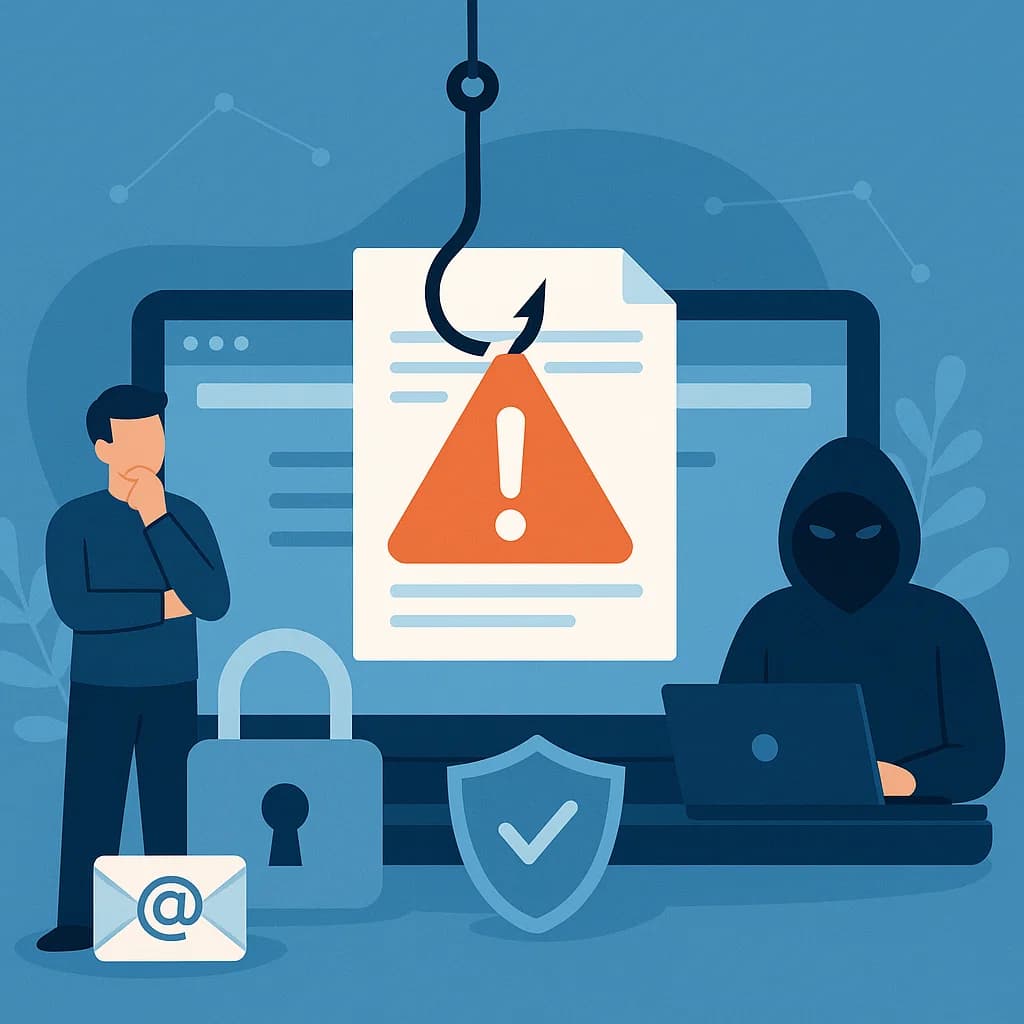
How to Recognize Phishing? A Practical Guide with Real Examples
Learn how to identify fake emails and phishing messages. A practical guide with examples, red flags, and ways to protect yourself from scammers.